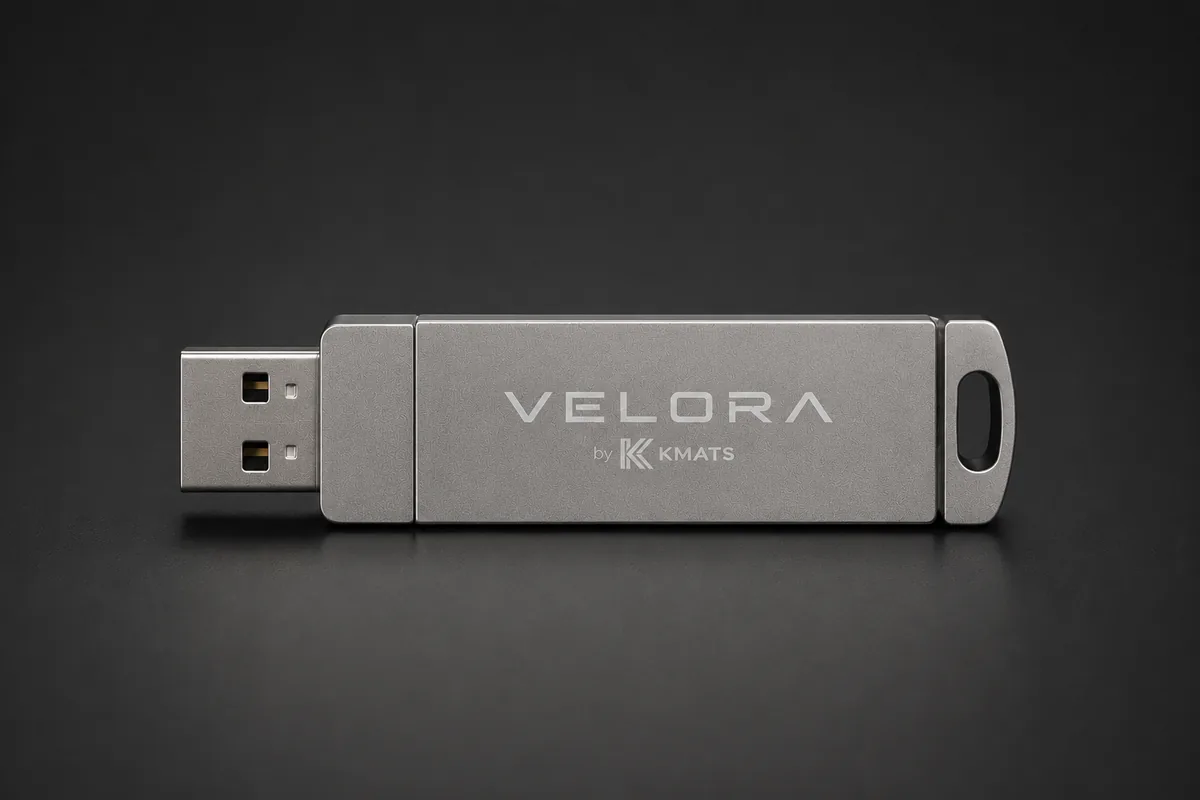
128 GB Brushed Metal Drive
Velora Prime
Workstation-Grade Power & Full Agent Autonomy
Pay ₹2,500 now to reserve · ₹2,499 balance on dispatch.
Leaves 49.2 GB free space for personal offline files, notes, and documents.
50% deposit locks your pre-order unit. Dispatches by Diwali or as soon as 100 drives are reserved. Balance requested only before dispatch.
- Free India ShippingTracked delivery from Mumbai / Ahmedabad
- 1-Year Replacement WarrantyHardware faults replaced directly with no hassle
- 100% Offline & PrivateZero analytics, zero telemetry, no cloud accounts
About This Edition
Engineered for Software architects.
Built for powerful desktop workstations equipped with 32 GB+ of memory and 12 GB+ dedicated VRAM. Prime unlocks 35B MoE reasoning, 30B MoE coding, Qwen-Image generative art, and Wan 2.1 local text-to-video.
Velora Prime brings datacenter-grade open weights into an offline, zero-telemetry hardware form factor. With 35B MoE parameter density (3B active), Prime possesses the cognitive depth required for complex multi-step logical deduction, autonomous tool use, and dense technical analysis.
Prime features a 67.8 GB payload that maximizes the capabilities of high-end graphics cards (RTX 3080/3090/4070/4080/4090, or AMD 7900 XT). It operates with complete autonomy across designated local folders to organize, refactor, and write multi-file projects.
Every model in Prime is calibrated with massive context windows (up to 128k tokens), high-speed video generation (Wan 2.1), and studio image synthesis (Qwen-Image).
Pre-Calibrated Golden Loadout
What runs inside Velora Prime.
Every model on the drive is Apache-2.0 open-weight licensed, quantized with zero precision compromises, and tuned to run entirely on your local hardware.
Qwen 3.6 35B A3B Instruct + Vision
Frontier MoE reasoning rivaling commercial clouds across logic, analysis, and multimodal inputs.
Qwen 3 Coder 30B A3B Instruct
Autonomous engineering model for full-repository refactoring, testing, and system architecture.
Qwen-Image Studio Diffusion
State-of-the-art local visual synthesis with pristine text typography rendering.
Wan 2.1 1.3B Video Diffusion
Groundbreaking offline temporal video diffusion running directly on your local workstation GPU.
Nomic Embed Text v1.5
High-density vector embeddings for local knowledge base and PDF indexing.
Whisper Base.en
Accurate offline speech transcription for voice commanding and note-taking.
Hardware Requirements
What your computer needs.
| Minimum RAM | 32 GB RAM |
|---|---|
| Recommended RAM | 32 GB – 64 GB RAM |
| Dedicated VRAM | 12 GB – 24 GB dedicated VRAM |
| Supported GPUs | NVIDIA RTX 3080/3090/4070/4080/4090 or AMD RX 7900 |
| Operating System | Windows 10 / 11 (64-bit) · macOS (Apple Silicon) |
Performance Expectations
Honest speed numbers.
Continuous output speed during multi-paragraph generation.
Response latency after session model caching in memory.
Automated residency governor prevents system lockup.
Drag and drop any GGUF from Hugging Face (at your own risk).
You are never locked into our factory model choices. Once you plug in your Velora drive, you can download any .gguf model weights from Hugging Face and drop them straight into the /models/ directory on the drive. Velora's runtime will detect and load them automatically.
Download any quantized model weight file from Hugging Face or Ollama.
Connect your Velora drive and copy the .gguf directly into the models partition.
Launch Velora offline. The model is detected and ready to execute immediately.
Hardware Limit Caution: Dropping model weights that exceed your PC's available RAM or GPU VRAM ceiling (e.g. attempting to run a 32B model on an 8 GB laptop) will cause heavy memory thrashing, reduce generation speeds to sub-1 token/sec, or crash the backend runtime with Out-of-Memory (OOM) errors. Always choose models sized for your hardware tier.
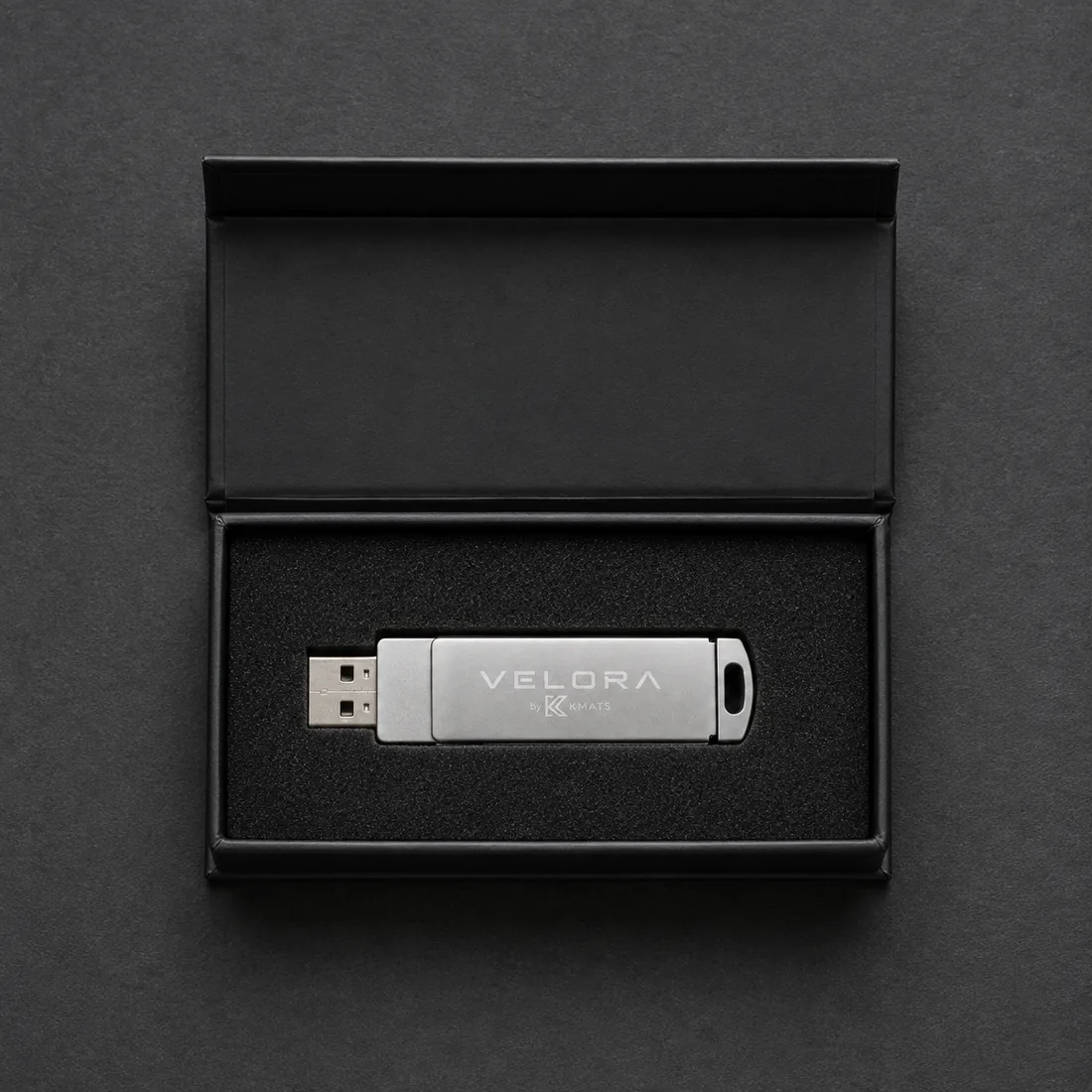
In The Package
Everything you receive.
- The 128 GB Velora Metal Drive 70 × 16 mm CNC-milled brushed aluminium, laser-etched VELORA by KMATS, carrying 67.8 GB of calibrated models.
- Dual Integrated Connectors (USB-A & USB-C) Swivel body fits both older desktop ports and modern USB-C laptops with zero dongles.
- Matte Black Magnetic Gift Box 90 × 50 × 25 mm presentation case with precision high-density foam insert cut to the drive.
- Printed Hardware Guide & Quick-Start Card Physical documentation with offline setup walkthrough, hotkeys, and model directory tips.
Technical Matrix & Hardware Compatibility
Choose by your computer's specs.
Velora runs locally on your computer's processor and graphics memory. Compare memory requirements, model parameter ceilings, and continuous inference speeds across all four hardware editions.
| Hardware Editions Match edition to your PC's RAM & graphics memory. | Current View Velora Prime ₹4,999 Pay ₹2,500 now Selected | |||
|---|---|---|---|---|
| 1. Computer Requirements & Physical Drive | ||||
| Target ComputerMinimum system RAM needed | 8 GB RAM 8 GB Laptops, Ultrabooks & Thin PCs | 16 GB RAM 16 GB Modern Laptops & Desktops | 32 GB RAM 32+ GB Pro Creator Desktops | 64 GB Unified Memory (Apple Silicon) or 64 GB System RAM + 24 GB VRAM 64+ GB / Mac Studio & Workstations |
| Graphics MemoryDedicated GPU VRAM | Integrated or up to 4 GB dedicated Intel Iris Xe | 6 GB – 8 GB dedicated VRAM NVIDIA RTX 3050/3060/4060 or AMD Radeon 6600/7600 | 12 GB – 24 GB dedicated VRAM NVIDIA RTX 3080/3090/4070/4080/4090 or AMD RX 7900 | 24 GB – 48 GB+ Dedicated VRAM or Unified Memory Pool Apple Silicon Max/Ultra (M2/M3/M4/M5) |
| Physical HardwareBrushed aluminium USB drive | 128 GB Metal Drive 117 GB usable (128 GB dual-plug drive) | 128 GB Metal Drive 117 GB usable (128 GB dual-plug drive) | 128 GB Metal Drive 117 GB usable (128 GB dual-plug drive) | 256 GB Metal Drive 235 GB usable (256 GB custom tier) |
| 2. Pre-Loaded Models & Local Inference Speed | ||||
| Model PayloadWeight files on the drive | 12 GB Models Qwen 3.5 4B + Qwen 2.5 Coder 7B | 26.3 GB Models Qwen 3.5 9B + Qwen 2.5 Coder 14B | 67.8 GB Models Qwen 3.6 35B MoE + Qwen 3 Coder 30B MoE | ~200 GB* Frontier 70B+ parameter suite |
| Generation SpeedContinuous output speed | 18 – 30 tokens/sec Time to first token: < 450 ms | 30 – 55 tokens/sec Time to first token: < 280 ms | 25 – 45 tokens/sec (on 16GB+ VRAM) Time to first token: < 320 ms | 15 – 35 tokens/sec (on 70B+ Frontier) Time to first token: < 550 ms |
| Active Memory LoadGovernor RAM residency | ~4.5 GB active residency Zero swap thrashing or system lockup | ~7.8 GB active VRAM/RAM Zero swap thrashing or system lockup | ~14.5 GB active VRAM Zero swap thrashing or system lockup | ~45 GB – ~95 GB active residency Zero swap thrashing or system lockup |
| 3. Vision, Image Creation & Tool Capabilities | ||||
| Multimodal VisionInspect images & PDFs | Included (Native F16 Projector) Visual OCR & Lightweight CLIP | Included (Native F16 Projector) 11B Llama Vision / MiniCPM | Included (High Precision) 34B LLaVA-NeXT Deep Inspection | Full (72B Multimodal) 72B Qwen2-VL Enterprise Vision |
| Local Image GenerationGPU text-to-image synthesis | Not supported on 8GB base SD1.5 (requires discrete GPU) | FLUX.1 Schnell 4-step (1024px) SDXL Turbo (1024x1024 in 4 steps) | Advanced (Flux.1 / SDXL Studio) Flux.1 Dev / SDXL Pro Quality | Photorealistic (FLUX.1-Dev FP8) Flux.1 Dev FP8 Photoreal Studio |
| File & Tool AgentsAutonomous local workspace | Basic File & Code Automation File organization, code execution & safe folder sandboxing | Advanced Tool & Script Execution File organization, code execution & safe folder sandboxing | Full Autonomous Agent Workflows File organization, code execution & safe folder sandboxing | Autonomous Frontier Tool Use File organization, code execution & safe folder sandboxing |
| Voice & Audio SuiteDictation and speech synthesis | Included (Whisper Base.en) 100% offline Whisper speech recognition + natural neural TTS | Included (Whisper Base.en) 100% offline Whisper speech recognition + natural neural TTS | Included (Studio Voice) 100% offline Whisper speech recognition + natural neural TTS | Studio Quality (Large-v3) 100% offline Whisper speech recognition + natural neural TTS |
*Note: Ultra payload is estimated (~200 GB) for the frontier 70B+ model suite; actual allocation may vary upon final calibration before dispatch.
Frequently Asked Questions
Common questions about Velora Prime.
Can I upgrade or customize the AI models on the drive?
Yes. The drive is open and transparent. You can drop any .gguf model weights from Hugging Face directly into the /models/ folder on your Velora drive. Velora's local engine will detect and launch them automatically.
What happens if I format the drive or lose the software?
Every Velora owner receives access to an offline factory restoration package and a 1-year replacement warranty. If you ever wipe the drive or experience a hardware fault, we will restore the factory golden payload for free or replace the drive.
Do I need an internet connection to set up or activate Velora?
No. Velora is 100% offline from the very first second you plug it in. There are no online account logins, no activation servers, no telemetry, and no network requests ever made.
Can I use the extra space on the drive for my own files?
Yes. Velora Prime uses 67.8 GB for the curated model suite, leaving over 49 GB of high-speed exFAT storage completely free for your own offline documents, PDFs, and personal files.
When do pre-orders dispatch?
Pre-orders dispatch by Diwali (8 November 2026) or as soon as 100 drives are reserved, whichever happens first. You pay a 50% deposit now via Razorpay, and the remaining 50% balance is requested only when your unit is packaged for courier dispatch.